
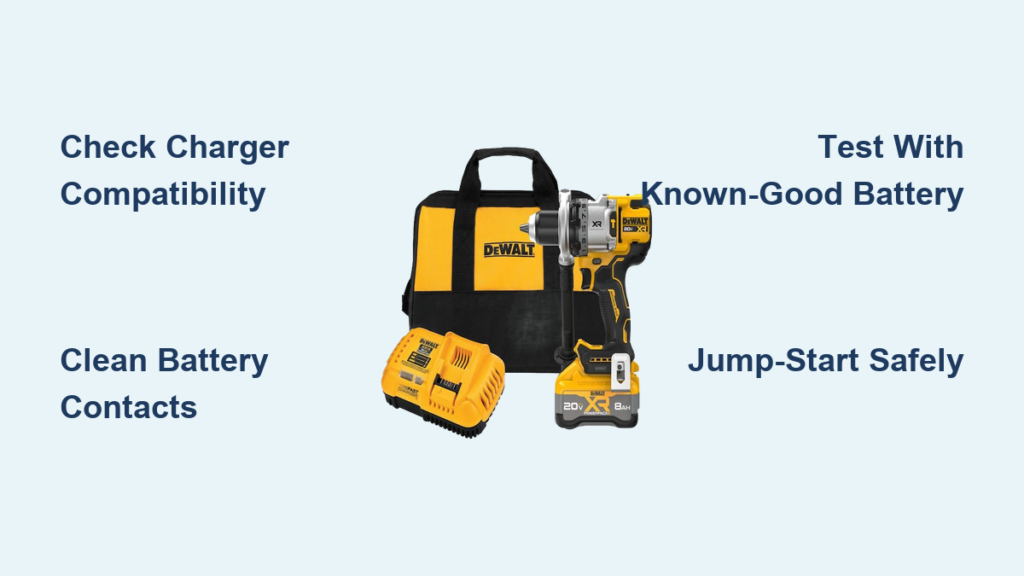
You’re mid-project, drill in hand, only to hear that dreaded silence when you squeeze the trigger. The fuel gauge is dead, the charger shows no lights, and your Dewalt drill battery not charging has halted everything. This isn’t just an inconvenience—it’s lost time, delayed projects, and potential repair costs mounting by the minute. Most Dewalt owners face this frustration at least once, especially with aging batteries. In this guide, you’ll discover exactly why your 20V MAX or FLEXVOLT battery refuses to charge and get actionable solutions—from simple contact cleaning to last-resort revival techniques—so you can get back to work fast.
The root cause is usually simpler than you think, and 80% of “dead” Dewalt batteries can be revived with basic troubleshooting. We’ll decode your charger’s blinking lights, isolate whether the issue is with your battery or charger, and reveal when replacement is truly unavoidable. No fluff, no guesswork—just proven steps verified by power tool technicians.
Match Your Dewalt 20V Battery to the Correct Charger Model
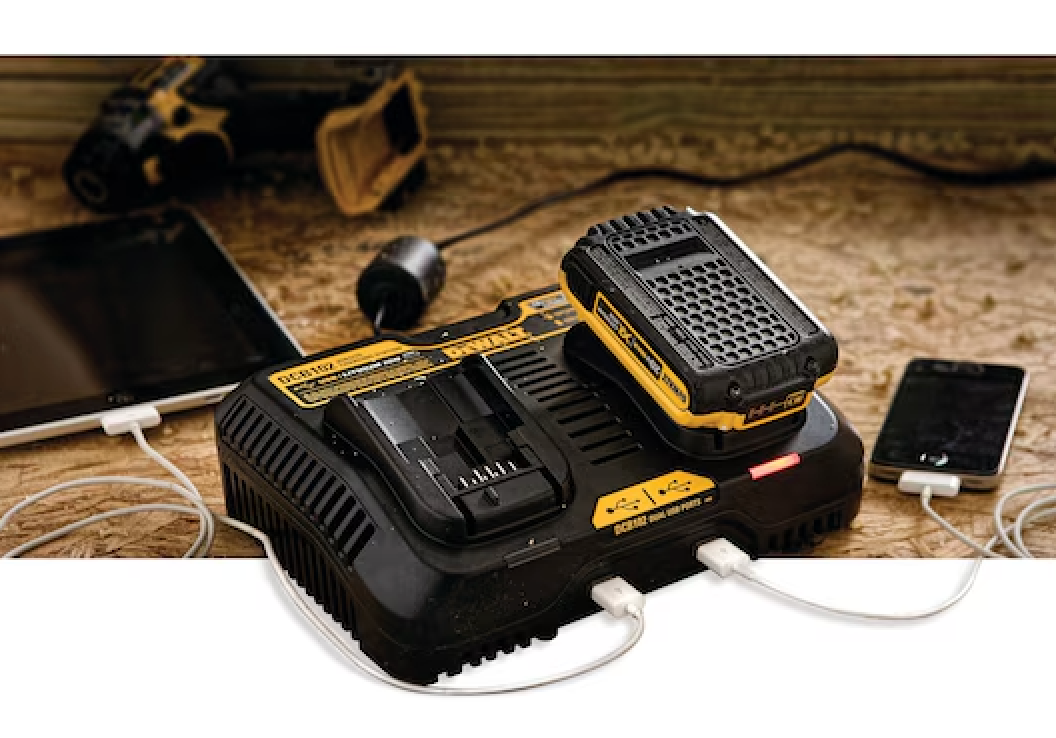
Using the wrong charger is the silent killer of Dewalt batteries. Modern 20V MAX and 60V FLEXVOLT packs require specific rapid chargers like the DCB118 or DCB122, while older 18V Ni-Cad batteries (e.g., DW9098) need discontinued models like the DW9106. Mismatched chargers won’t initiate charging and can permanently damage your battery.
Check These Compatibility Killers Immediately
- Voltage Confusion: 20V MAX batteries won’t work with older 18V Ni-Cad chargers (and vice versa). Verify your battery model number—FLEXVOLT packs (e.g., DCB609) have different requirements than standard 20V MAX.
- Handshake Failure: Dewalt’s 8A/12A rapid chargers perform an electronic “handshake” with the battery’s BMS. If your charger flashes red rapidly when inserting a known-good battery, compatibility is likely the culprit.
- Outlet Test: Plug a lamp into the same outlet. If it works but your Dewalt charger doesn’t light up, the charger is faulty or incompatible.
When to Replace Your Charger
If you own a tool older than 2015 (like the DW929 drill), its original charger may be obsolete. Modern Dewalt chargers support newer battery chemistries but won’t work with legacy Ni-Cad packs. For older tools, consider a DCA1820 adapter to use 20V batteries—or upgrade to a new 20V MAX kit.
Decoding Dewalt Charger Blinking Red Light Error Messages

That rapid red blink (1 flash per second) is Dewalt’s most common error—and it’s not always your battery’s fault. This light pattern means the charger detected a safety issue, not necessarily a dead battery. Ignoring it wastes hours you could spend fixing the real problem.
Hot/Cold Battery Shutdown: The 90% Fix
Extreme temperatures trigger automatic shutdowns:
– Below 50°F (10°C): Battery won’t charge. Bring it indoors for 30 minutes.
– Above 104°F (40°C): Common after leaving batteries in a hot car. Cool to room temperature for 1 hour.
Pro Tip: Set a timer—rushing this step causes repeated failures. Once at 70°F, reinsert the battery. The red light should turn solid, indicating charging.
Communication Errors: Red/Green Alternating Flash
This signals a BMS (Battery Management System) failure. Do not assume the battery is dead—try these:
1. Remove the battery and hold the fuel gauge button for 15 seconds to reset internal circuitry.
2. Clean the 5 small metal contacts between the battery and tool with isopropyl alcohol.
3. If the charger still alternates lights, the BMS is likely fried—proceed to jump-start testing.
Clean Dewalt Battery Contacts: The 30-Second Fix You’re Missing
Dirt on contacts causes 40% of “dead battery” scenarios. Corrosion from sweat, sawdust, or humidity creates a barrier preventing charging. This takes 30 seconds but solves most intermittent issues—no tools required.
Step-by-Step Contact Revival
- Power down: Unplug the charger and remove the battery.
- Clean battery terminals: Dip a cotton swab in 90%+ isopropyl alcohol. Rub the 3 large metal strips on the battery base until shiny.
- Clean charger ports: Shine a flashlight into the charger. Wipe the copper prongs with alcohol-swabbed swabs.
- Dry thoroughly: Wait 2 minutes before reinserting. Moisture causes shorts!
Warning: Never use vinegar or steel wool—it damages contacts.
Diagnose Dewalt Battery Not Charging in 3 Critical Tests
Guessing wastes time. Isolate the problem in 5 minutes with these tests:
Test 1: The Known-Good Battery Swap
Insert a battery you know works (e.g., from a different Dewalt tool). If it charges:
– ✅ Your original battery is faulty
– ❌ Your charger is dead
Test 2: The Known-Good Charger Test
Put your dead battery on a charger confirmed working with other batteries. If it doesn’t charge:
– ✅ Battery is defective
– ❌ Charger is incompatible (e.g., Ni-Cad charger with Li-ion battery)
Test 3: The Voltage Check (Multimeter Required)
- Healthy 20V battery: 18–21V
- Deeply discharged: Below 14V (may be revivable)
- Dead battery: Below 10V (permanent failure)
Pro Tip: If voltage jumps above 14V after jump-starting but drops instantly, a cell is dead—replace the battery.
Why Your Dewalt Drill Battery Shows 1 Bar But Won’t Charge
This frustrating symptom—where the fuel gauge shows a single bar but the charger rejects the battery—points to cell imbalance. In a 5-cell Li-ion pack, one weak cell drags down the whole system. The charger sees the low voltage and assumes the battery is full, refusing to charge.
Temporary Workaround for Imbalanced Packs
- Run the battery in your drill until it completely dies (no power at all).
- Let it rest for 24 hours—this allows cell voltages to equalize.
- Attempt charging again. If the red light turns solid, the battery may recover.
Note: This rarely works for batteries over 3 years old. If the single-bar issue recurs, replacement is needed.
Reviving a Dead Dewalt 20V Battery: Jump-Start Method & Risks
Use this ONLY if your battery shows 0V and is less than 6 months old. Deeply discharged batteries (<10V) can sometimes be revived—but fire risk is real. Perform outdoors on concrete, away from flammables.
Safe Jump-Start Procedure
- Gather: Two 18-gauge insulated wires (6″ long), a fully charged 20V Dewalt battery.
- Connect:
– Clip one wire from + terminal of dead battery to + terminal of good battery
– Clip second wire from – terminal of dead battery to – terminal of good battery - Hold for 3 seconds MAX—any longer risks thermal runaway.
- Immediately place the dead battery on the charger. If successful, the charger shows solid red.
Critical Warning: If the battery heats up, swells, or smells like chemicals, disconnect instantly and submerge in sand. Do not attempt a second jump.
Swollen Dewalt Battery? Stop Immediately—Here’s Why
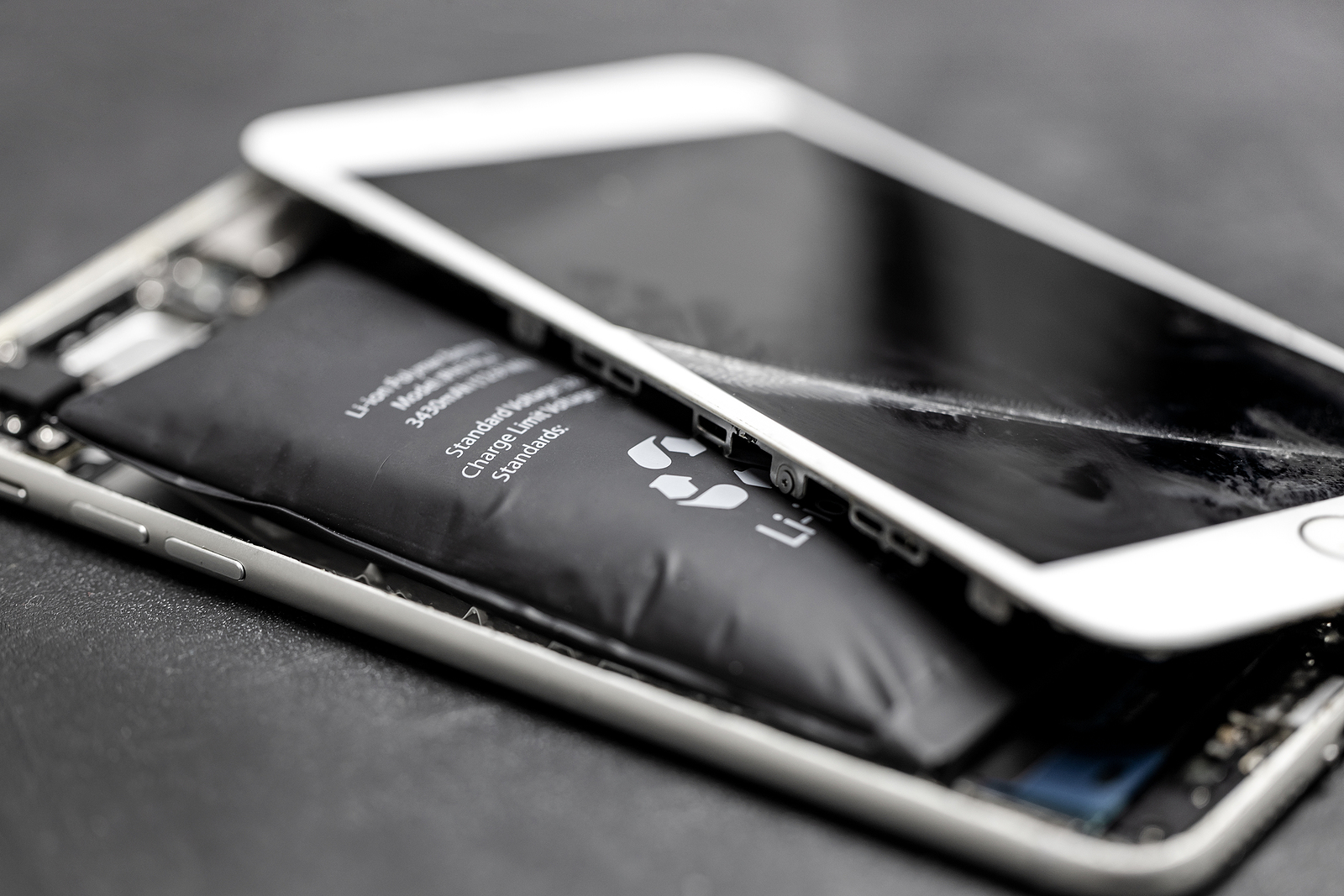
A swollen battery is a ticking bomb. Lithium-ion swelling means internal gas buildup from cell failure—contact with metal or puncture can cause fire or explosion. Never charge, disassemble, or puncture a swollen pack.
Safe Disposal Protocol
- Place the battery in a metal container (e.g., empty paint can).
- Cover with sand or kitty litter to smother potential sparks.
- Take to an e-waste facility within 24 hours.
Fact: Dewalt batteries swell due to over-discharge, physical damage, or manufacturing defects—not user error. Replace immediately.
Dewalt Battery Replacement vs. Professional Repair: Cost & Safety
When Replacement Wins
- Batteries over 5 years old (even with low usage)
- Any physical damage (cracks, dents, swelling)
- Failed jump-start attempts
Cost Reality: New 2.0Ah 20V MAX batteries start at $49—cheaper than professional repair ($30+ diagnostics fee).
When Repair Makes Sense
- Expensive high-capacity packs (e.g., 9.0Ah FLEXVOLT at $150+)
- Under warranty (contact Dewalt—never open yourself)
Warning: DIY cell replacement voids safety certifications. Only use EPA-certified rebuilders like Battery Innovations.
Stop Wasting Time: When to Buy a New Dewalt Drill Battery
If your Dewalt drill battery not charging persists after:
– Contact cleaning
– Temperature correction
– Two jump-start attempts
– Voltage testing below 10V
…replacement is your only safe, reliable option. Modern Dewalt batteries include 3-year warranties—invest in a new DCB205 (5.0Ah) or DCB609 (15.0Ah FLEXVOLT) pack. For older 18V tools, the DCA1820 adapter lets you use newer batteries, but a full 20V MAX kit (drill + 2 batteries + charger) often costs less than $130.
Final Pro Tip: Prevent future failures by storing batteries at 40% charge in a cool, dry place. Never leave them on the charger after solid green appears—this degrades cells. With these steps, you’ll slash downtime and keep your Dewalt running like new. If in doubt, recycle through Dewalt’s free take-back program and start fresh. Safety first, projects second.



